Repository Analytics & Coverage
2 min read
Hawzu provides built-in Analytics and Coverage views to help you understand the overall health of your test repository. They help teams find gaps, track progress, and decide what to test next.
Repository Analytics
Section titled “Repository Analytics”Repository Analytics give you a high-level view of how test cases are organized and maintained within a project.
Accessing Analytics
Section titled “Accessing Analytics”To view analytics:
-
Open the Repository inside a project.
-
Click Analytics in the repository header.
-
An analytics overview panel opens.
Analytics are calculated based on:
- The entire repository, or
- The currently selected folder
What Analytics Show
Section titled “What Analytics Show”The analytics view provides a snapshot of your repository, including:
- Total number of test cases
- Total number of folders
- Split between manual and automated test cases
- Distribution of test cases across priority, severity, and test type
- Automation status overview
- Most commonly used labels
- Recent activity such as newly created test cases
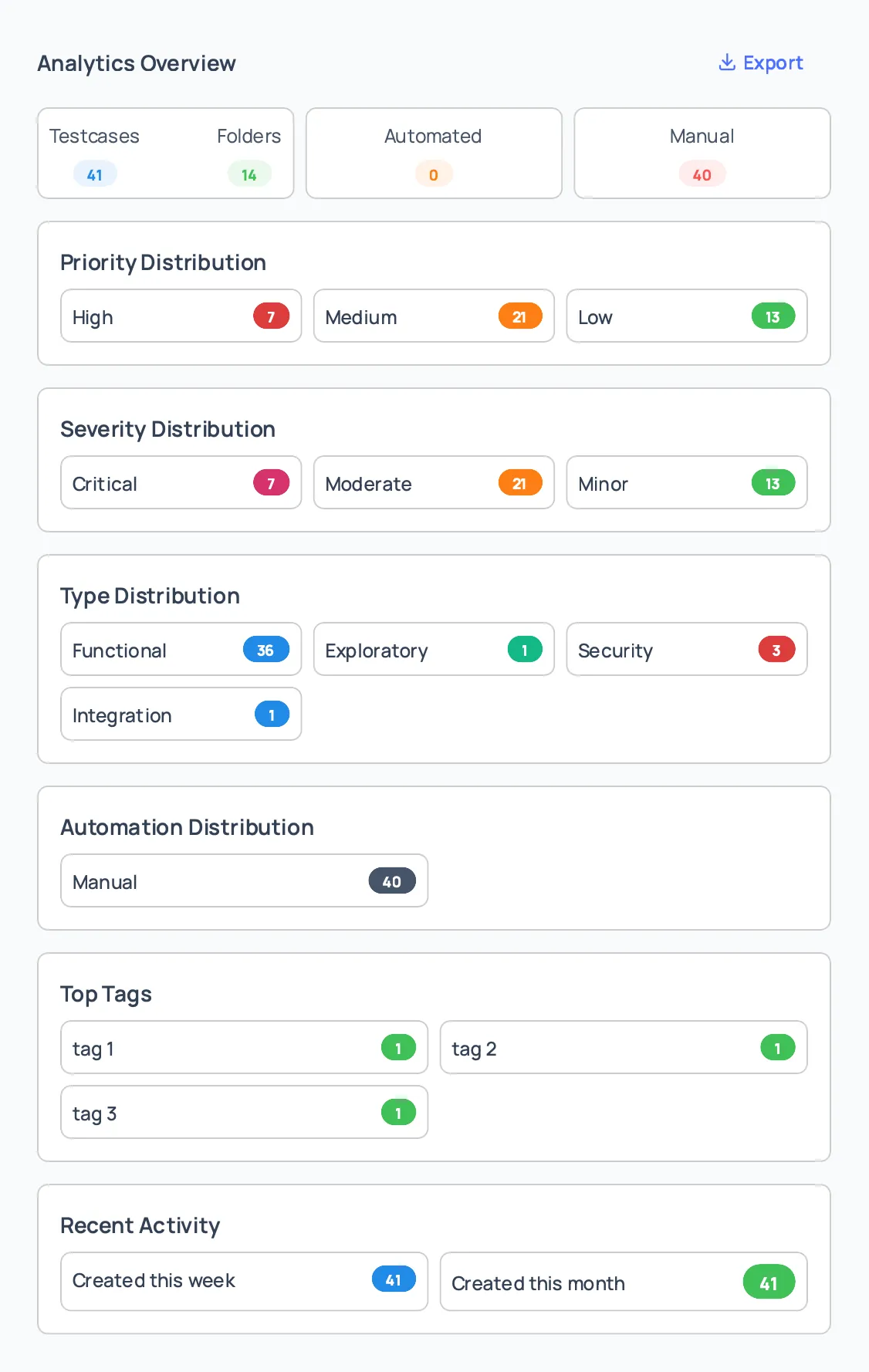
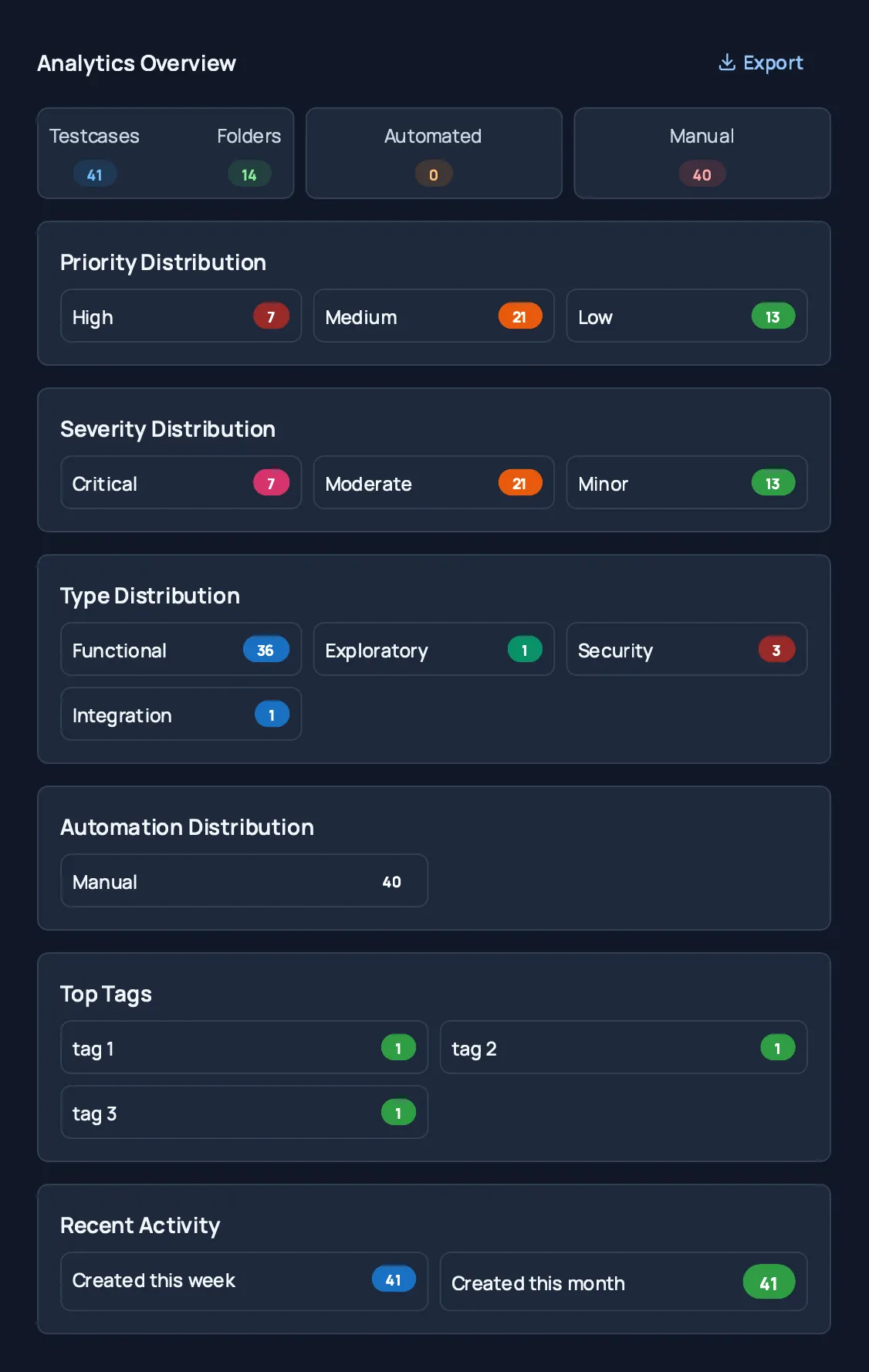
These insights help teams understand how test cases are structured and where effort is concentrated.
Exporting Analytics
Section titled “Exporting Analytics”Analytics data can be exported for reporting and analysis.
Common use cases include:
- Sharing status updates with stakeholders
- Audits and reviews
- Offline analysis and documentation
Test Coverage
Section titled “Test Coverage”Coverage focuses on requirement traceability and shows how well requirements are validated by test cases.
Accessing Coverage
Section titled “Accessing Coverage”To view coverage:
-
Open the Repository.
-
Click Coverage in the repository header.
-
The coverage overview panel opens.
Coverage is calculated for:
- The entire repository, or
- The selected folder
What Coverage Shows
Section titled “What Coverage Shows”The coverage view provides:
- Overall coverage percentage
- Number of requirements covered by test cases
- Total number of requirements in the project
- Coverage distribution across different requirement attributes
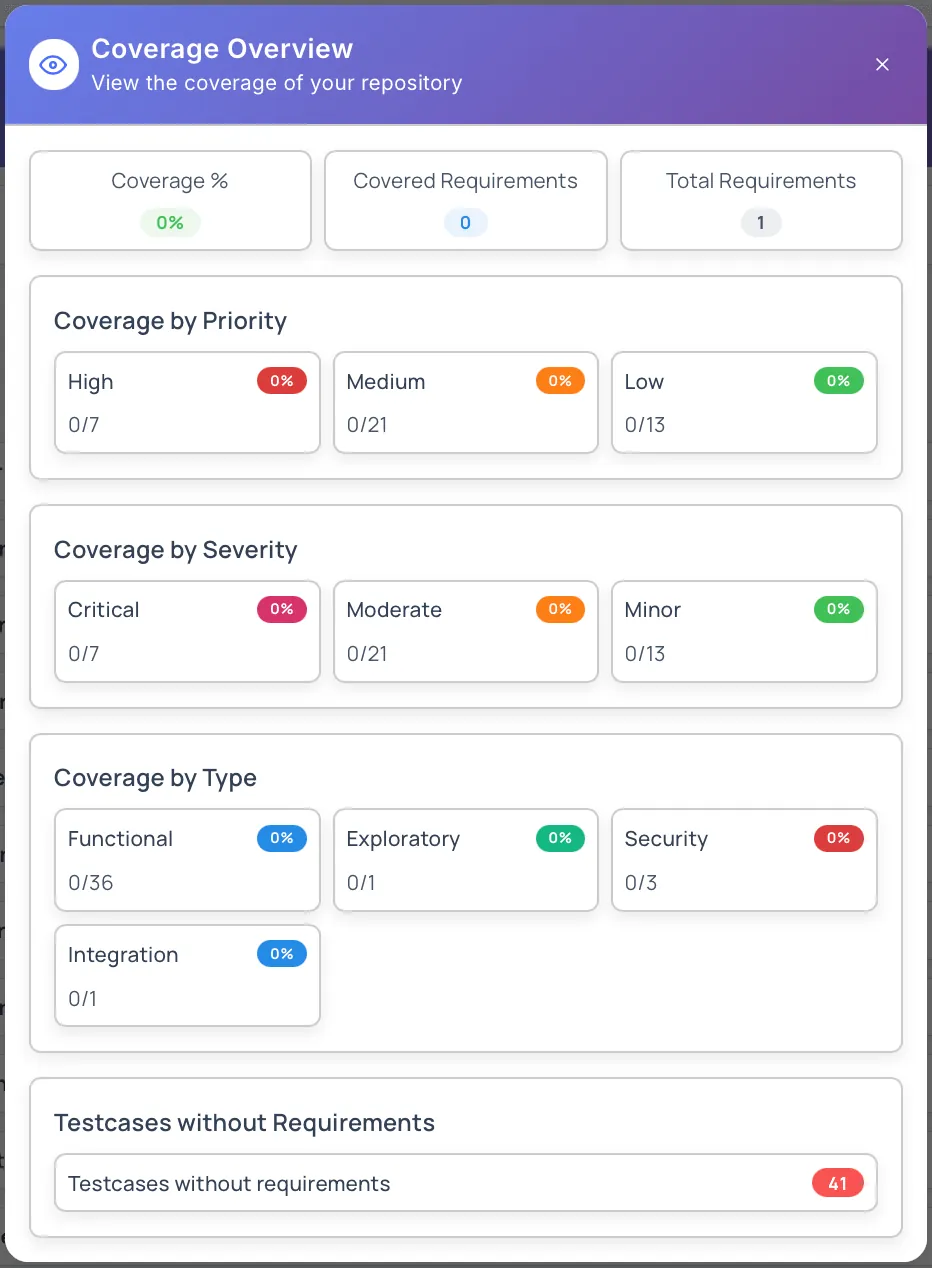
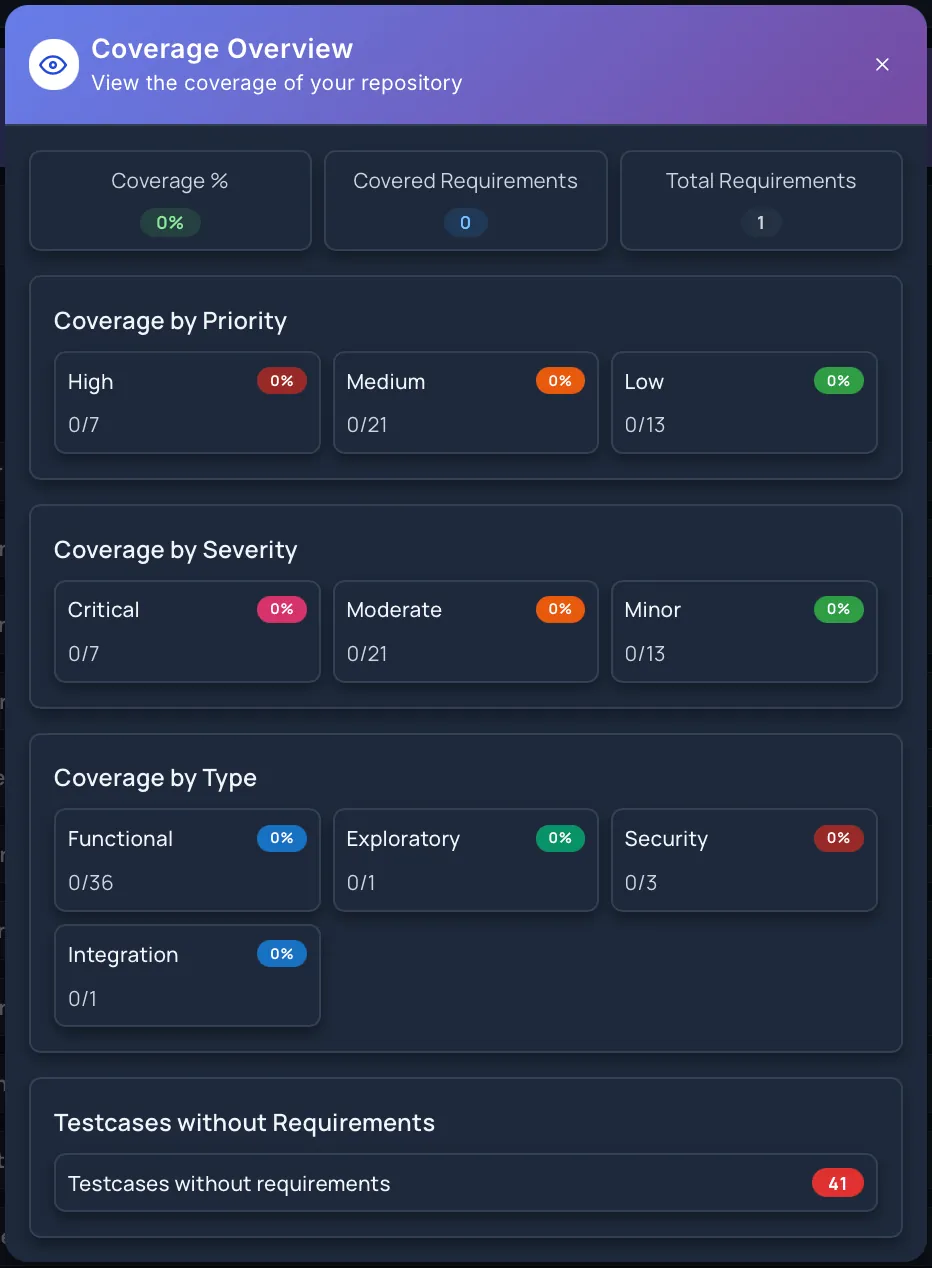
This makes it easy to understand how thoroughly requirements are tested and where gaps exist.
Using Coverage Effectively
Section titled “Using Coverage Effectively”Coverage insights help teams:
- Identify requirements without test coverage
- Prioritize test case creation for critical areas
- Track testing completeness before releases
- Communicate testing readiness clearly
Best Practices
Section titled “Best Practices”- Review analytics regularly to keep the repository healthy
- Use distribution insights to balance priority and severity coverage
- Track automation progress over time
- Monitor coverage before major releases
- Ensure test cases are consistently linked to requirements
Permissions
Section titled “Permissions”Access to analytics and coverage depends on project role:
- Project Manager – Full access
- Project Coordinator – Full access
- Project Member – View access
- Project Viewer – Read-only access
Analytics and coverage respect folder-level access permissions.
Next Steps
Section titled “Next Steps”- Explore Repository Overview
- Learn about Create Test Cases
- Read about Bulk Operations
- Understand Requirements Management